
 Accessories
 Docking Stations
 Laptop Charger
 Laptop Screens
 All
All Apparel & Cloth
 T-shirts
 Computers & Monitors
 Grocery, Health & Pantry
 Home & Decor
 Inks
Inks Medical Devices
 Office & School Supplies
 Printer
 Printer Parts
 Toner Cartridges
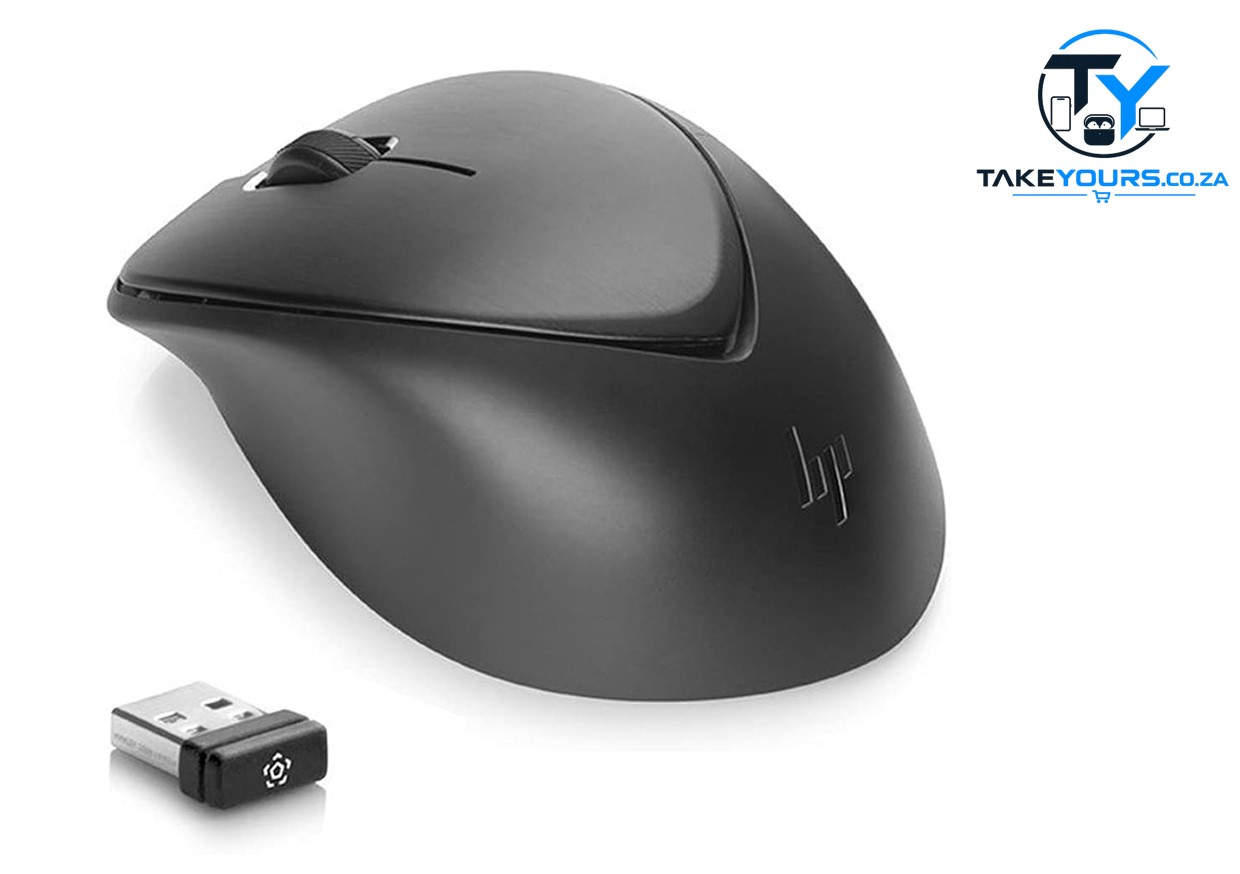
Description
HP MORFFTUL (also called the HP Comfort Grip Wireless Mouse) uses a 2.4 GHz USB receiver to connect to your PC. It does not have Bluetooth. If you lost the tiny USB plug, your mouse will not work.
- Unpack the mouse. Pull off the top cover near the back.
- Take out the small USB receiver.
- Put the USB receiver into a USB port on your computer.
- Turn the power switch on the bottom of the mouse to ON.

Reviews
There are no reviews yet.