


 Accessories
 Docking Stations
 Laptop Charger
 Laptop Screens
 All
All Apparel & Cloth
 T-shirts
 Computers & Monitors
 Grocery, Health & Pantry
 Home & Decor
 Inks
Inks Medical Devices
 Office & School Supplies
 Printer
 Printer Parts
 Toner Cartridges
Description
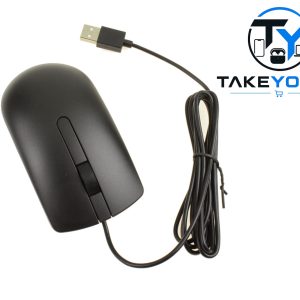
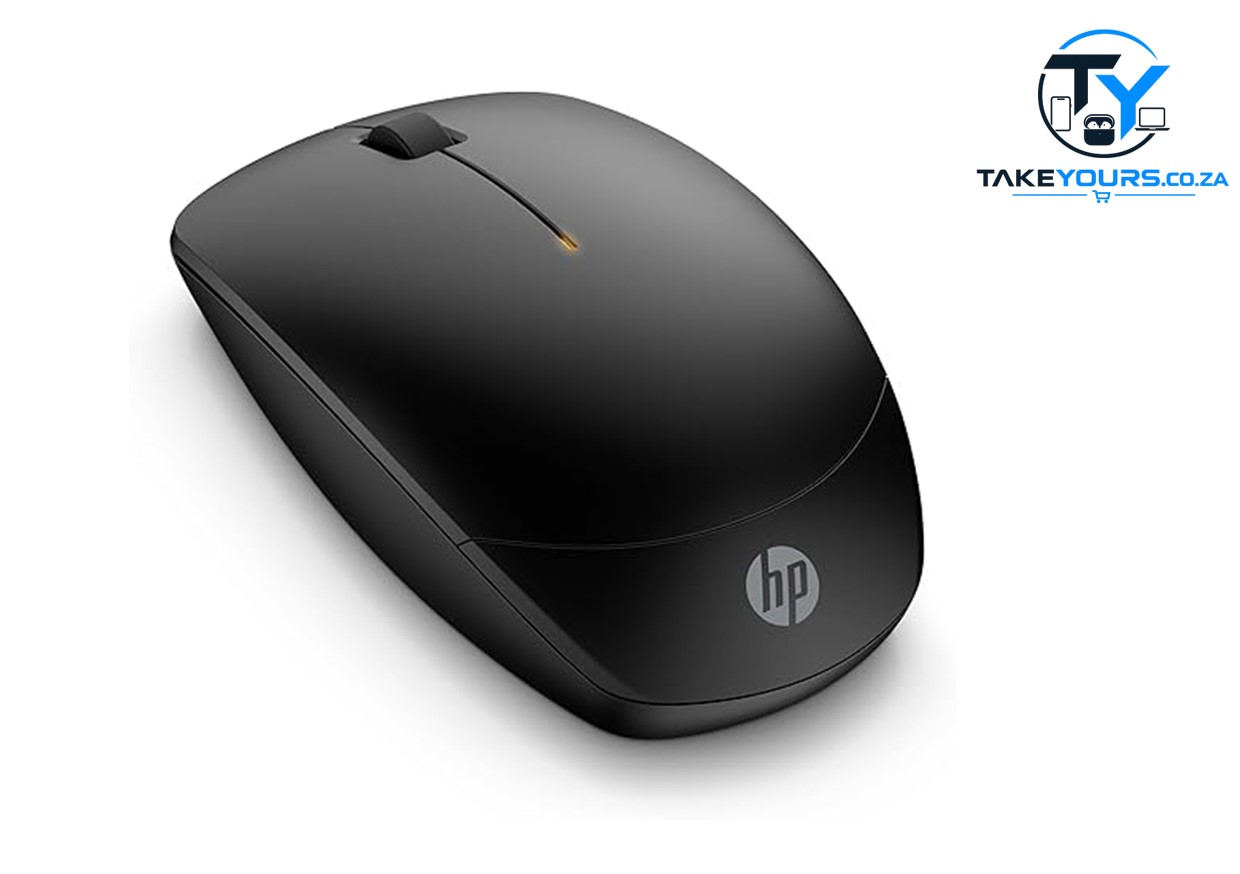
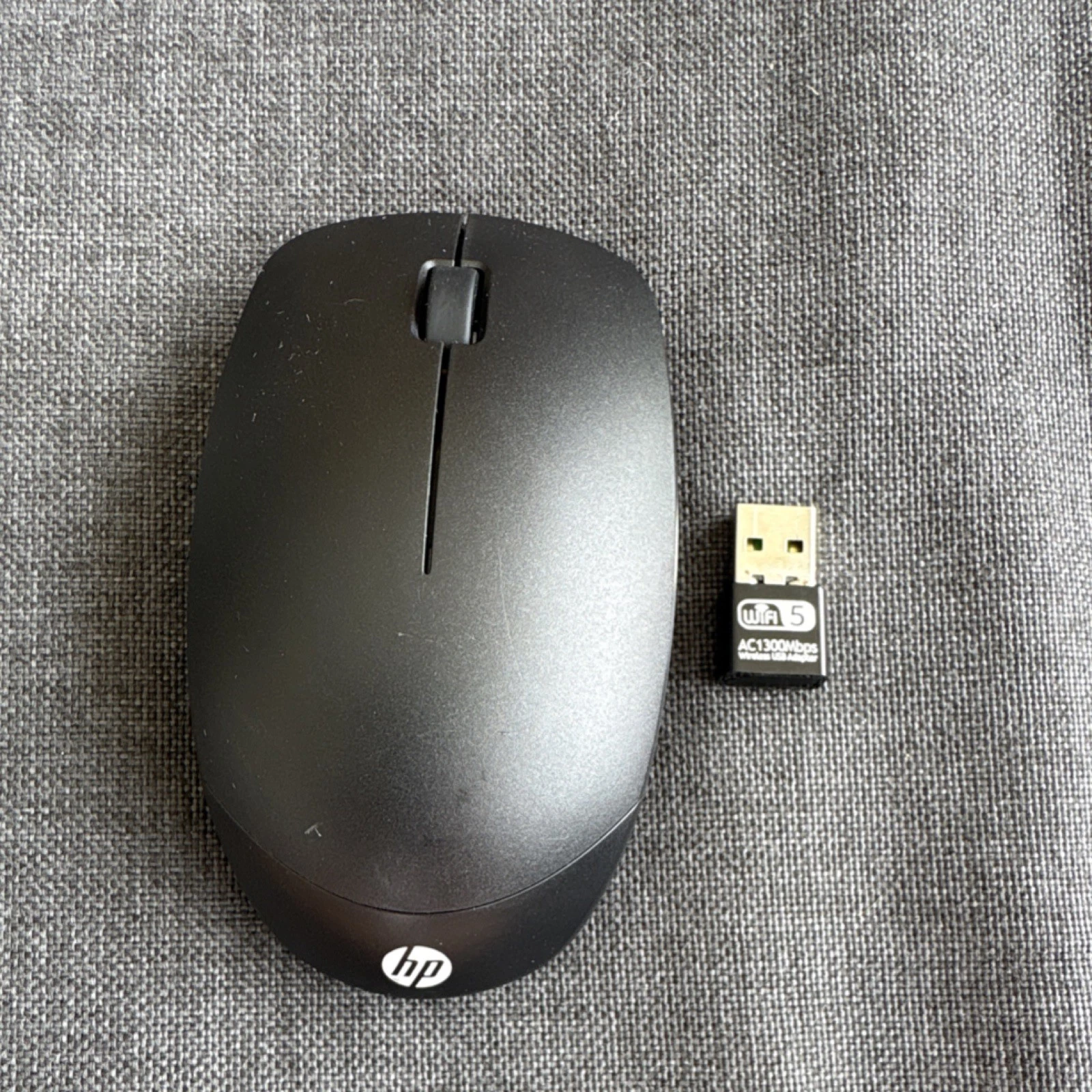
The HP HSA-A011M is a standard wireless optical mouse. It connects via a 2.4 GHz USB receiver. It requires two AA batteries to work. A small power switch on the bottom turns the mouse on and off.
- Open the battery cover on the bottom of the mouse.
- Insert two AA batteries and check the + and – symbols.
- Take the USB receiver out from inside the battery slot.
- Plug the receiver into your computer’s USB port.
- Turn the mouse ON using the switch on the bottom.

Reviews
There are no reviews yet.