
 Accessories
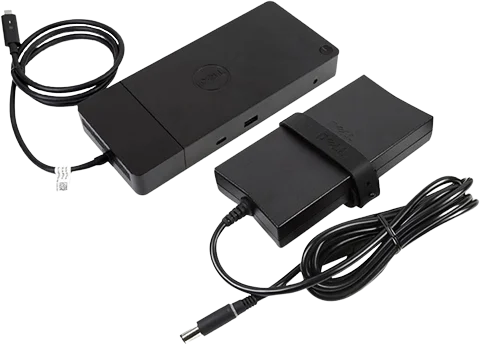 Docking Stations
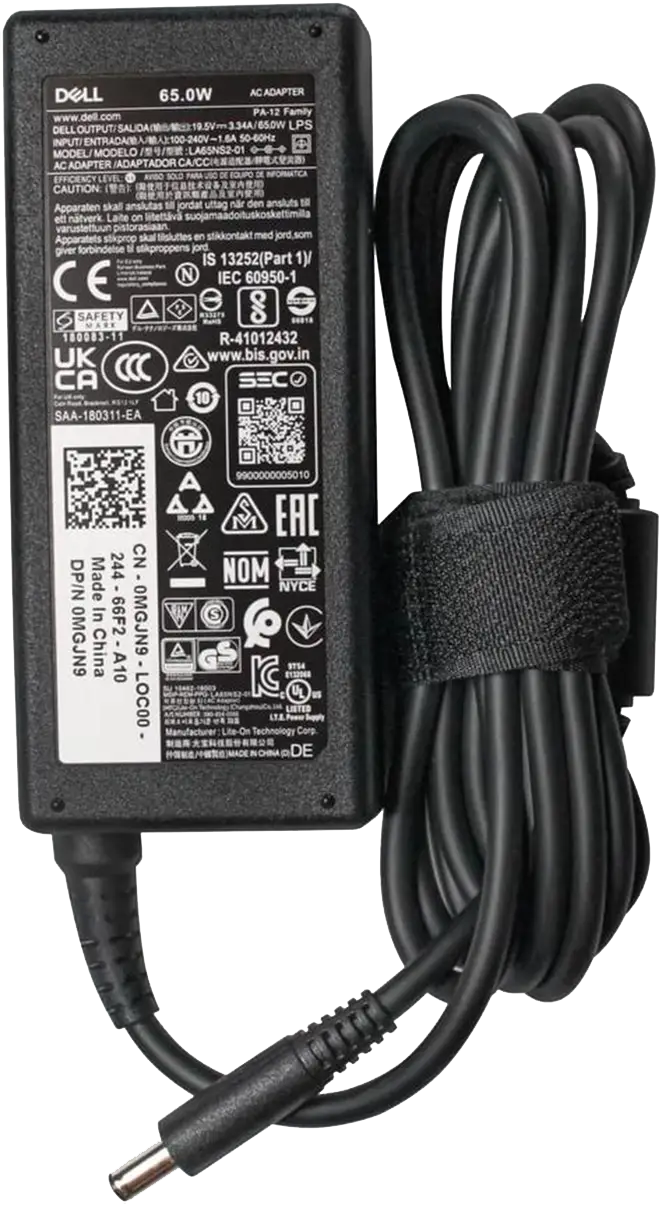 Laptop Charger
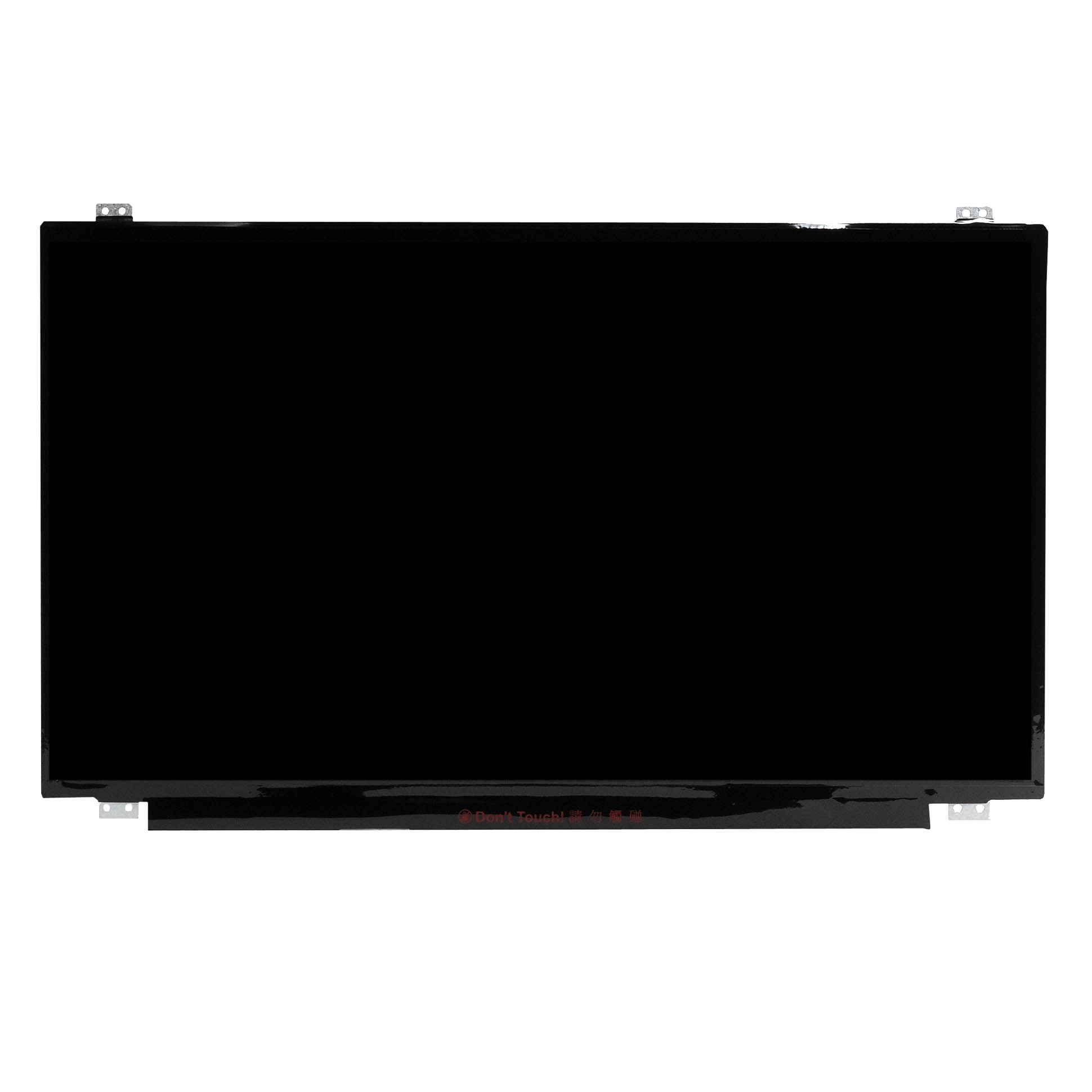 Laptop Screens
 All
All Apparel & Cloth
 T-shirts
 Computers & Monitors
 Grocery, Health & Pantry
 Home & Decor
 Inks
Inks Medical Devices
 Office & School Supplies
 Printer
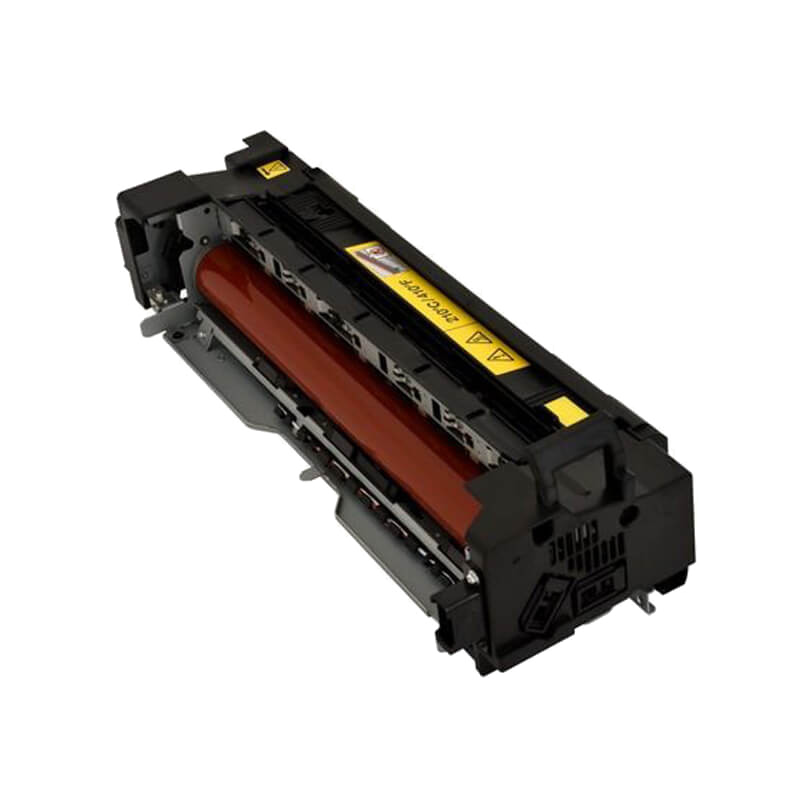 Printer Parts
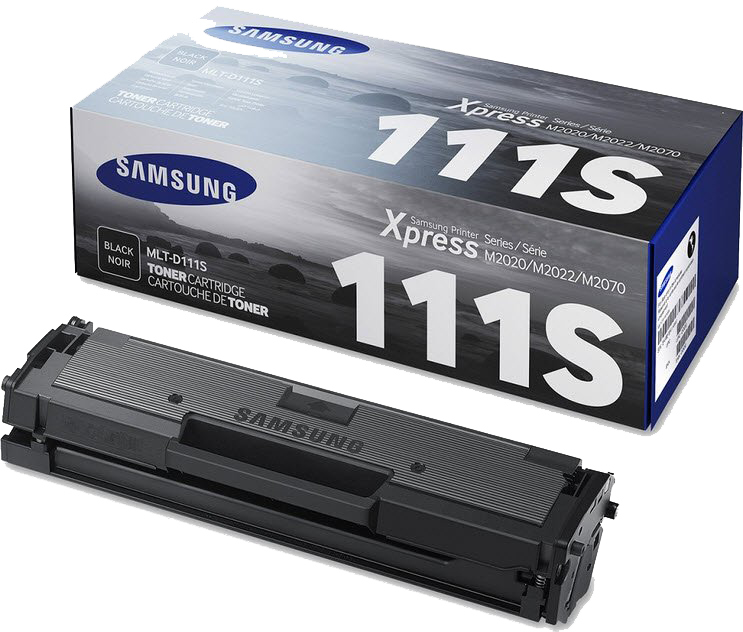 Toner Cartridges
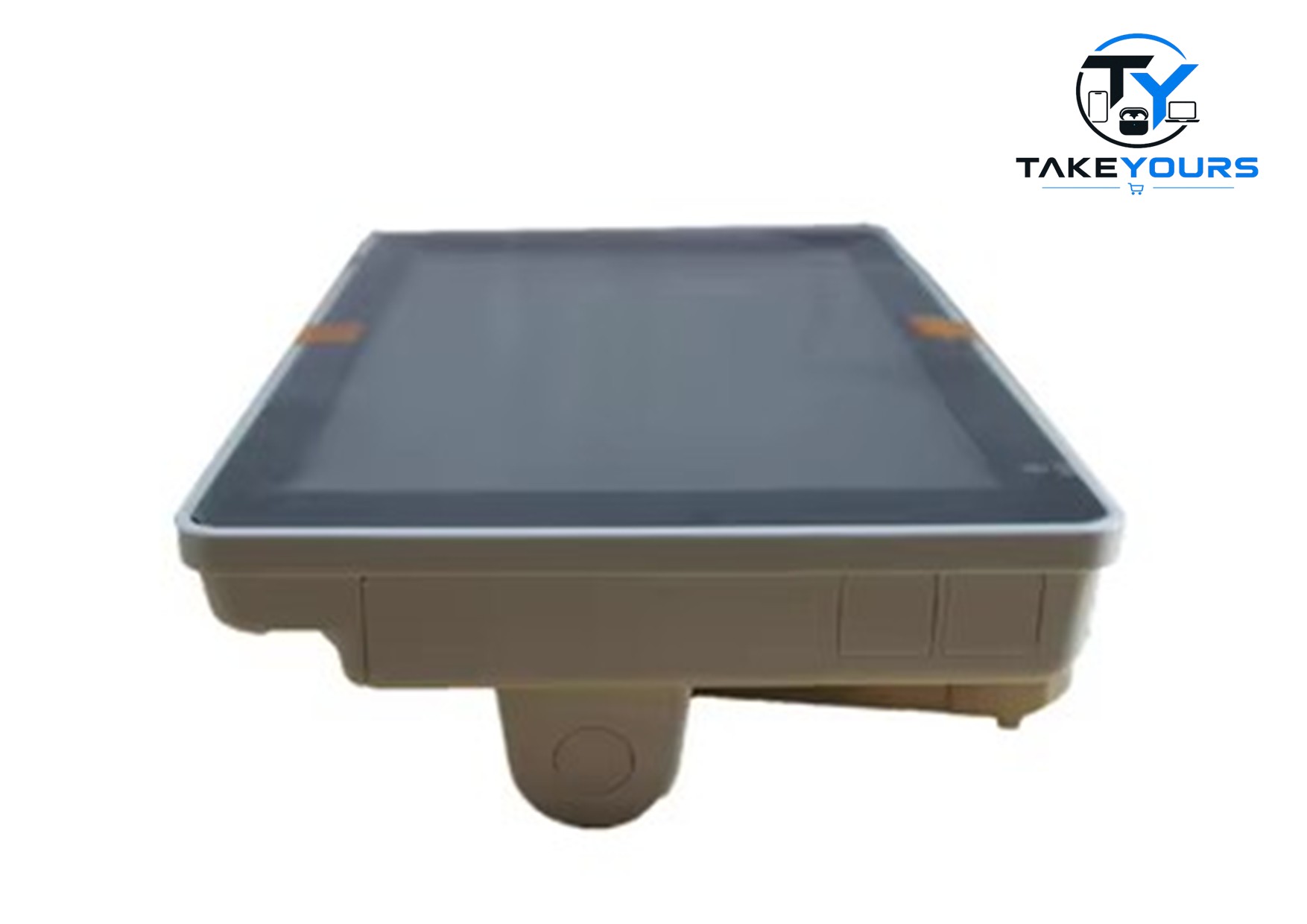
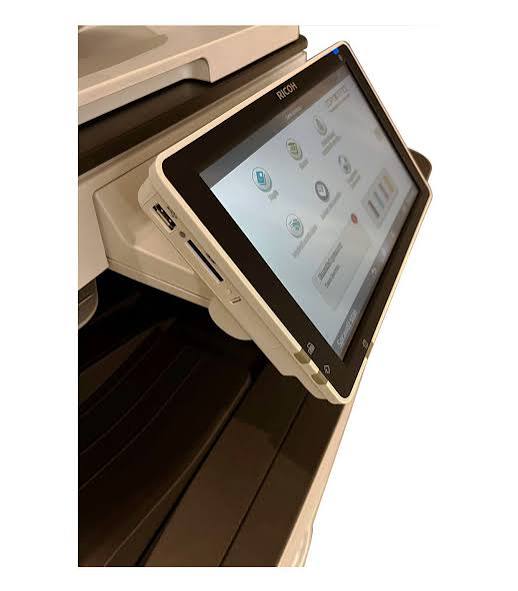
Description
Compatible Models: Parts for the MP C3004 typically fit a range of sibling models including the MP C2004, C2504, C3504, C4504, C5504, and C6004
- Power Off: Turn off and unplug the Ricoh copier before servicing.
- Remove Covers: Unscrew and detach the outer casing and protective covers around the operation panel and document feeder area.
- Disconnect Cables: Unclip the ground wire, USB-like cable, and internal ribbon/touch connectors.
- Swap Panel: Remove the mounting screws holding the old display or touch glass, lift it out, and install the replacement unit.
Reviews
There are no reviews yet.